A software vendor changes a deprecation date. Your team notices three weeks later. The warning was there, but the time to respond has already shrunk.
That gap interests me: could a website update become a task someone can act on? Firecrawl and n8n provide building blocks for exploring it. This is a proposed design, rather than a workflow I have built or benchmarked.
Detect the change, then decide whether it matters
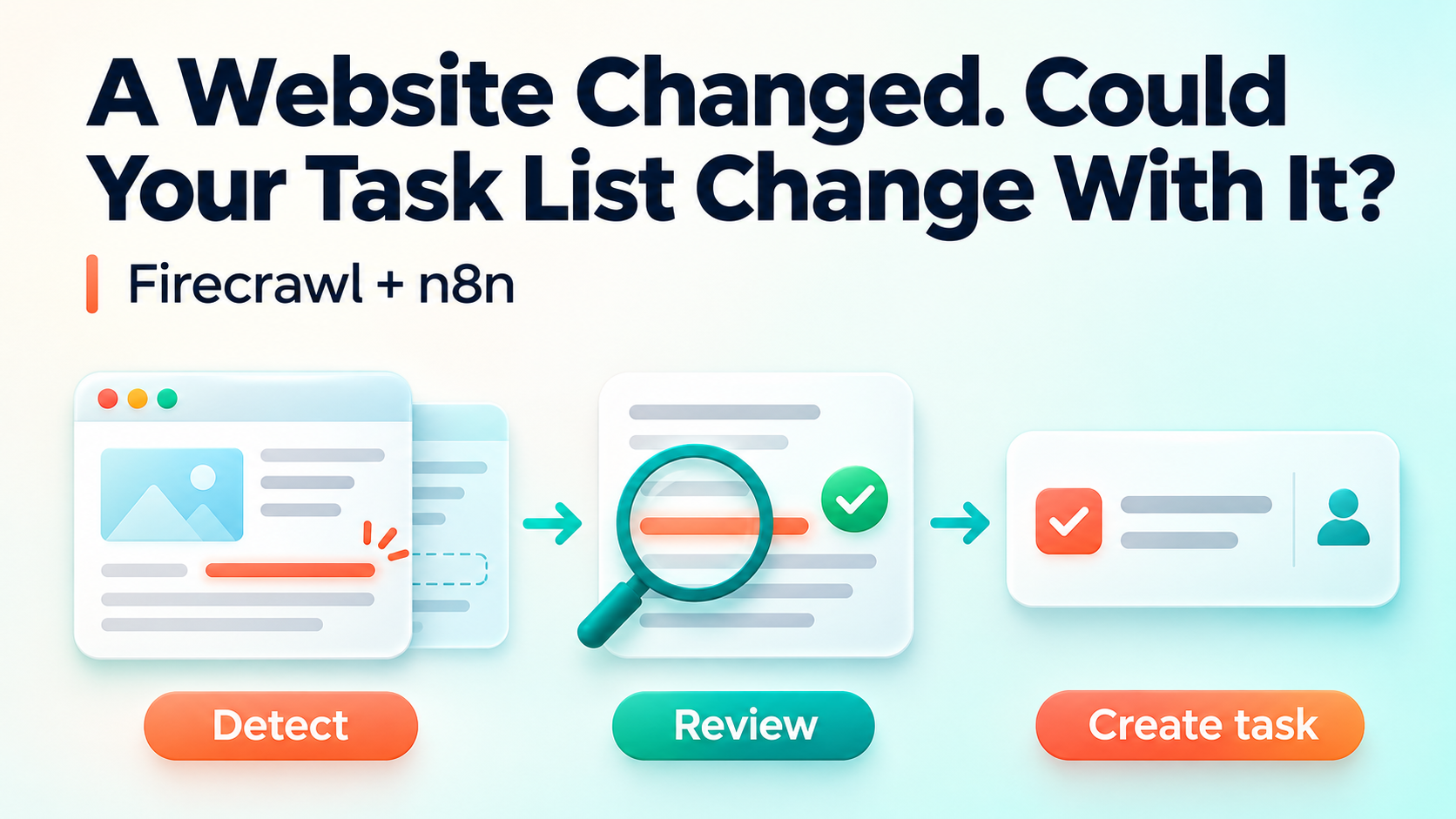
Think of the workflow as three separate decisions: what changed, why it matters, and who should review it. A revised footer and a changed API retirement date should not receive the same attention.
Firecrawl’s change tracking compares a page with its previous snapshot. It can return line-level differences or compare selected fields. The first retrieval establishes a baseline; it does not prove a new business event occurred.

n8n could schedule those checks. Alternatively, Firecrawl monitoring can run recurring checks and send events to a webhook, leaving n8n to handle the next steps.
Turn the difference into a reviewable task
Suppose a vendor changes the support window for an API your team uses. The useful output is a proposal with evidence:
Review the API support-date change.
Source: the vendor’s changelog.
Evidence: the relevant text before and after the update.
Proposed action: check whether our integration uses the affected version.
State: awaiting an engineer’s review.
A changed date alone does not establish that an upgrade is mandatory. It might apply to another product tier. Keeping the observation separate from the recommendation lets a reviewer question the interpretation.
Where n8n fits
I would start with a simple flow: check the page → evaluate the difference → save a candidate → obtain review → create the task. n8n’s Jira Software node supports creating and updating issues; the connecting logic still needs authentication, field mapping and testing.
Each saved candidate should include its source URL, observation time, relevant difference and review state. Give the change a stable identity so repeated checks find the existing candidate. After creating a task, save its issue ID so a retry can avoid creating another copy.
AI can help interpret an ambiguous paragraph or suggest which team should inspect it. A straightforward field comparison may need only a rule. In either case, preserve the source evidence and distinguish an unchanged page from a failed retrieval.
Start with one question you keep missing
Choose one official changelog and one narrow question: has the support window for a dependency changed? Run in observation mode first, reviewing candidates before creating tasks automatically.
Check whether it catches useful changes, how much noise it produces and whether someone else can understand the evidence. Those results will tell you whether to improve the extraction, narrow the rule or choose another source.
The possibility is simple: give a public update an owner and a place in your work list. Start with the decision your team repeatedly misses, then build the monitoring around it.
Discover more from Nikhil Emmanuel's Blog
Subscribe to get the latest posts sent to your email.