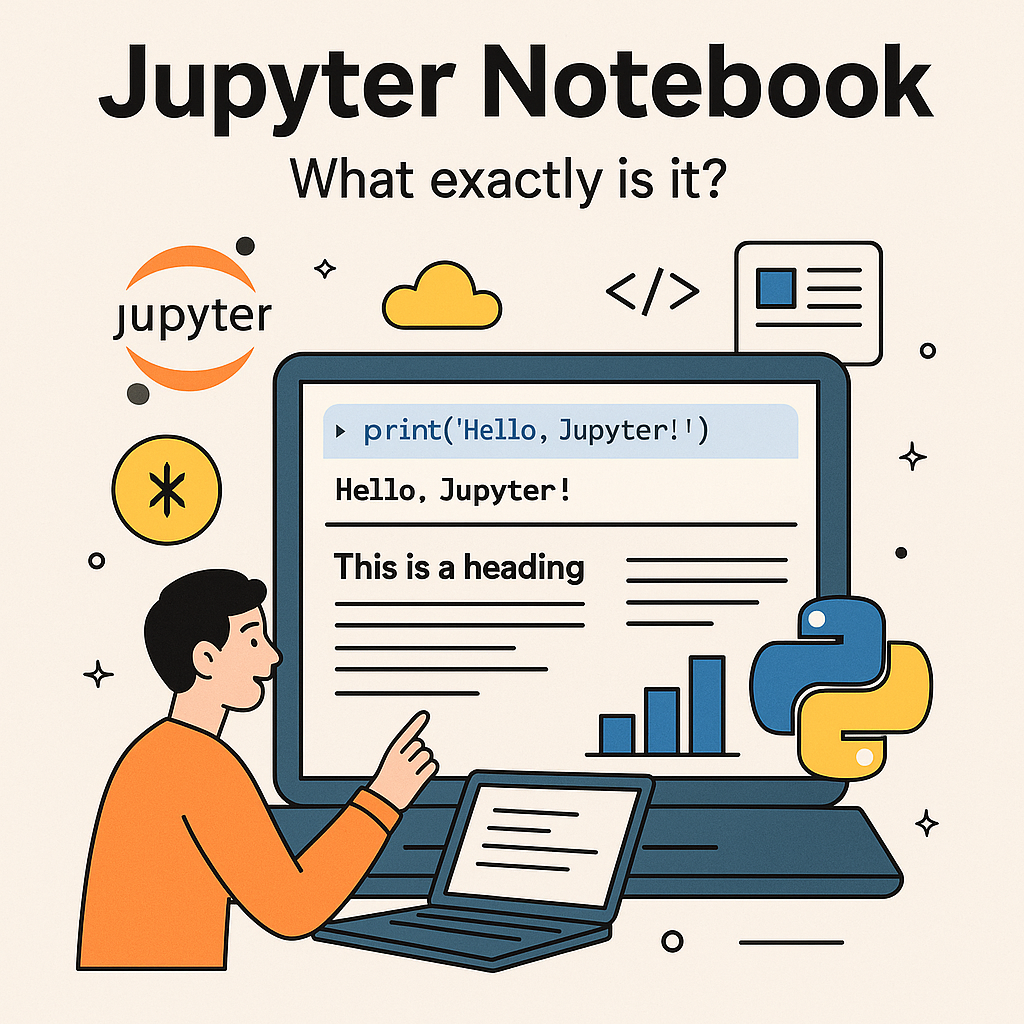
Have you been one among those who have heard about jupyter notebook and are wondering what exactly is it? what is it used for ? or if you have used it and want get a decent understanding of the Tool, then this blog is for you!
Imagine a digital space where your code, your thoughts, and your visual results coexist, updating instantly as you work. That’s the essence of a Jupyter Notebook. It’s a powerful tool, particularly for anyone in data science, research, or education, transforming how we interact with programming.
Beyond the Editor: A Live Conversation with Your Code
Traditional code editors are designed for writing and managing entire code files. You write your code, then run the whole program. Jupyter Notebooks offer a more dynamic experience. They allow you to work in cells—small, independent blocks of code. You can execute one cell, see its output immediately below it, then refine your code, run it again, and iterate. This immediate feedback loop is invaluable for exploring data and developing solutions.
Consider analyzing sales data. In a standard editor, you’d typically write all your data loading, cleaning, and analysis code before executing it. Debugging often means fixing an error and re-running the entire script. With a Jupyter Notebook, you can load data in one cell, inspect the initial rows, then proceed to clean the data in the next cell, verifying the changes instantly. This iterative workflow simplifies debugging and enhances your understanding of the code’s behavior.
What Can This “Notebook” Actually Run?
When we say Jupyter Notebooks “run” code, we’re referring to their ability to execute various programming languages. While they are most recognized for their proficiency with Python, their capabilities extend far beyond. This versatility is thanks to kernels, which act as interpreters, allowing Jupyter Notebooks to communicate with languages like R, Julia, and many others.
This flexibility also applies to languages like JavaScript. While JavaScript isn’t one of its core, built-in languages like Python, you can integrate it by installing a specific kernel (such as IJavascript). This enables direct execution of JavaScript code within your notebook cells. For example, you could use a Python cell to perform data analysis, then seamlessly transition to a JavaScript cell to generate an interactive chart based on that analysis, all within the same notebook.
The Mechanism: Interpretation Over Compilation
The immediate output display in Jupyter Notebooks often raises questions about their underlying mechanics. This capability is rooted in the concept of interpretation rather than compilation.
To clarify the distinction:
- Compilation: This process is akin to translating an entire book into another language before anyone reads it. A compiler takes your complete program, translates it into machine code all at once, and creates an executable file. This initial translation can be time-consuming, but the resulting executable runs very quickly. Errors are typically identified during this initial compilation phase.
- Interpretation: This is more like having a live translator read a book to you line by line. An interpreter processes and executes your code line by line. No separate executable file is generated beforehand. Errors are detected as the interpreter encounters them during execution.
Jupyter Notebooks leverage interpretation. When you execute a cell, the code within it is sent to the relevant kernel, which interprets and executes it incrementally, sending the results back to your notebook display without delay. This “on-the-fly” execution is what makes Jupyter Notebooks remarkably interactive and well-suited for exploratory coding.
The Web’s Role: How Jupyter Renders Your Work
A compelling aspect of Jupyter Notebooks is how they render rich outputs, from simple text to complex graphs. It might seem like a proprietary, native rendering engine is at work. However, Jupyter Notebooks extensively utilize web technologies such as HTML, CSS, and JavaScript.
Indeed, every element you see in a Jupyter Notebook—formatted text, data tables, and especially data visualizations—is essentially a mini webpage. When your code generates a graph, for instance, the kernel communicates with your web browser, which then uses HTML to structure the elements, CSS to style them, and JavaScript to add interactivity. This means the seamless experience you perceive is actually a sophisticated web application running within your browser, making notebooks highly portable and shareable.
JupyterLab vs. Jupyter Notebook: Evolving Interactive Computing
As Jupyter Notebooks gained widespread adoption, the demand for a more comprehensive and flexible environment led to the development of JupyterLab.
- Jupyter Notebook (the classic): This provides a single-document interface, which is ideal for creating self-contained reports that combine code, output, and explanatory text. It excels at tutorials, straightforward data explorations, and producing clear, reproducible documents.
- JupyterLab: This represents the next generation of the Jupyter environment. It offers a more integrated and extensible workspace. Unlike the classic notebook, JupyterLab provides a multi-document interface, allowing you to open and arrange multiple notebooks, code editors, terminals, and other files side-by-side in a single window, much like a modern Integrated Development Environment (IDE). It includes a built-in file browser, enhanced extension capabilities, and a more customizable layout. If you’re managing complex projects with numerous files and require a more unified workspace, JupyterLab is often the preferred choice. While the classic Jupyter Notebook remains widely used for its simplicity, JupyterLab is its evolution, providing a richer and more flexible environment for advanced workflows.
In essence, Jupyter Notebooks have transformed how we interact with code. They’ve shifted coding from a purely execution-focused task into an engaging, conversational experience, allowing us to integrate code, narrative, and visualizations into a cohesive story
Discover more from Nikhil Emmanuel's Blog
Subscribe to get the latest posts sent to your email.